
Yard notebook / PC full release — November 2026
Julia lesson slots: assign one horse to several lessons
If Julia only gives one lesson with each horse, assign the same horse again in each lesson slot you want it to fill. One horse assignment does not automatically spread across the remaining slots. A November 6 Steam player confirmed this resolved the problem. This route assumes Julia is already hired; the number of slots and salary shown in one save are not universal values.
Updated 2026-11-06 · PC full release — November 2026
The decision, step by step
Inspect Julia’s current lesson assignments
Open the staff assignment view for the Julia you have hired and count the lesson slots actually filled. Distinguish two horses assigned once each from one horse assigned to several slots. Read the capacity in your save rather than assuming a reported screenshot’s slot count applies everywhere.
 Open full-size image ↗
Earlier official pre-release office illustration: Staff is the management section for hired employees. This is an entry illustration, not Julia’s lesson-slot screen. Repeat the horse in every intended slot
Choose the suitable horse for the first lesson slot, then assign that same horse separately to the next desired slot. Repeat only for the workload you want. In the reported problem, the player expected Julia to divide all lessons automatically between two assigned horses; another player’s instruction to repeat the horse in separate slots was accepted as the fix.
 Open full-size image ↗
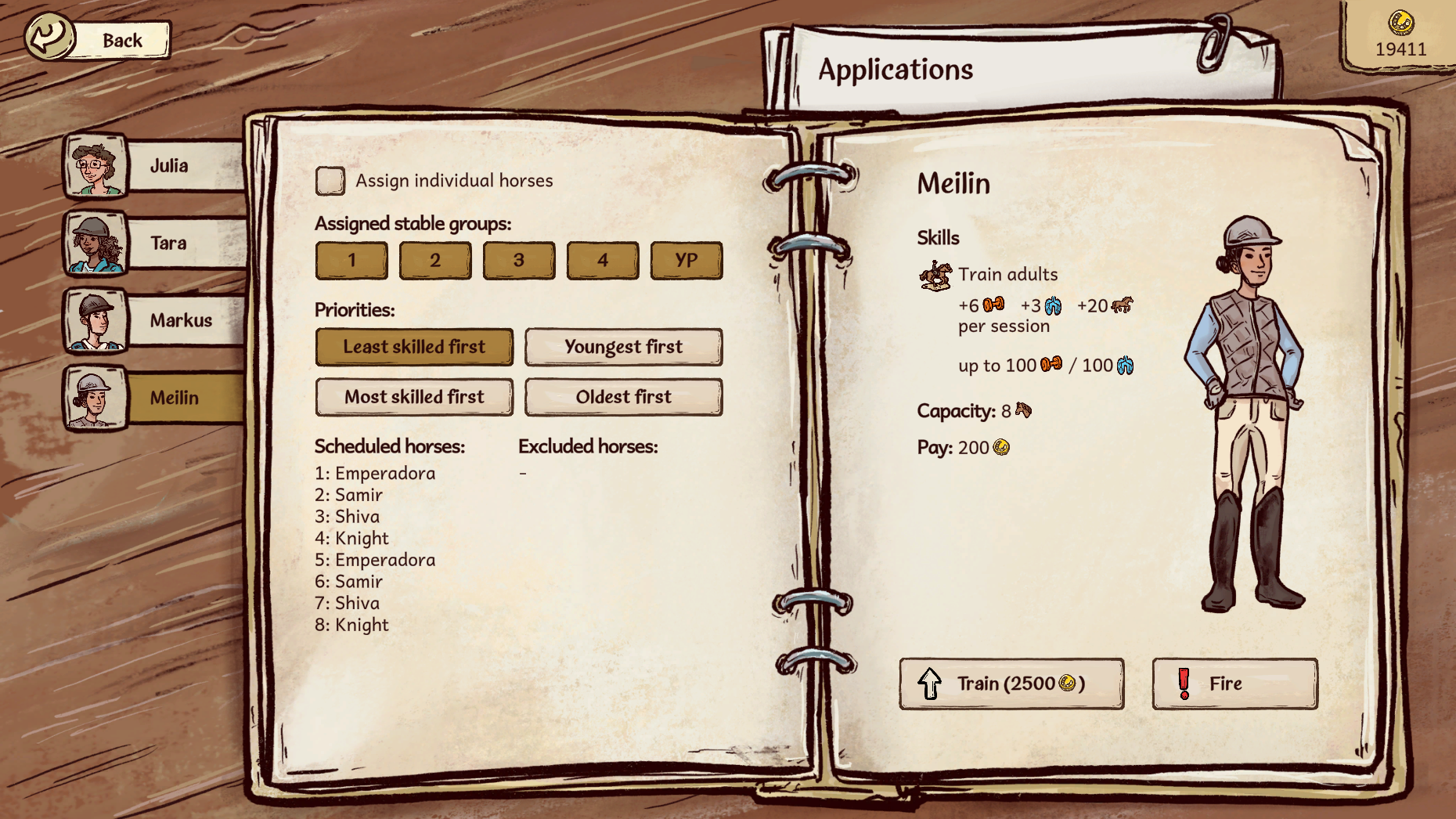
Earlier official staff screen: Julia appears in the left tabs; the pictured selected employee is Meilin. This is not a picture of Julia’s lesson slots. The repeat-slot fix above comes from the November 6 player report. Keep the horse eligible for the lesson level
Lesson horses still need care and physical training. Johan’s Confidence guide reports these level requirements. Meet all three current values, not just inherited potential.
More columns → Scroll sideways, or focus the table and use arrow keys.
Reported lesson horse requirements Lesson Confidence Strength Endurance Beginner 80 15 10 Novice 70 20 12 Intermediate 60 40 30 Advanced 50 70 50 Budget work, recovery and salaries
More lesson slots mean more work for the horse. Check exercise and condition before adding other training that day, maintain current strength/endurance and keep Confidence high enough. Staff training does not raise Confidence according to the launch Confidence report. Review the salary and actual lesson income in your own save rather than assuming every filled slot produces net profit.
Check the next day’s lesson outcome
After the scheduled work, compare completed lessons and payments with the slots you assigned. If a slot did not run, recheck the selected horse, lesson requirements, health and workload. Keep the assignments you can sustain with regular care and retraining.
What success looks like
The same horse appears separately in the intended lesson slots and the following work cycle shows the extra lessons completed without neglecting care or recovery.
If the result is different
If Julia still does only one lesson, check that later slots really contain that horse rather than only the first slot. If a horse is no longer suitable, check all three current requirements and Medical status. If work causes exhaustion or a loss, reduce planned slots and restore training and care before increasing them again.
Sources & game version
For the PC full game. Screens and community observations can differ after updates; an exact client build is not shown in the published screenshots.